Introducing advanced tool use on the Claude Developer Platform
Anthropic's advanced tool use features stop tool definitions and raw results from flooding an agent's context: on-demand search, code orchestration, examples.
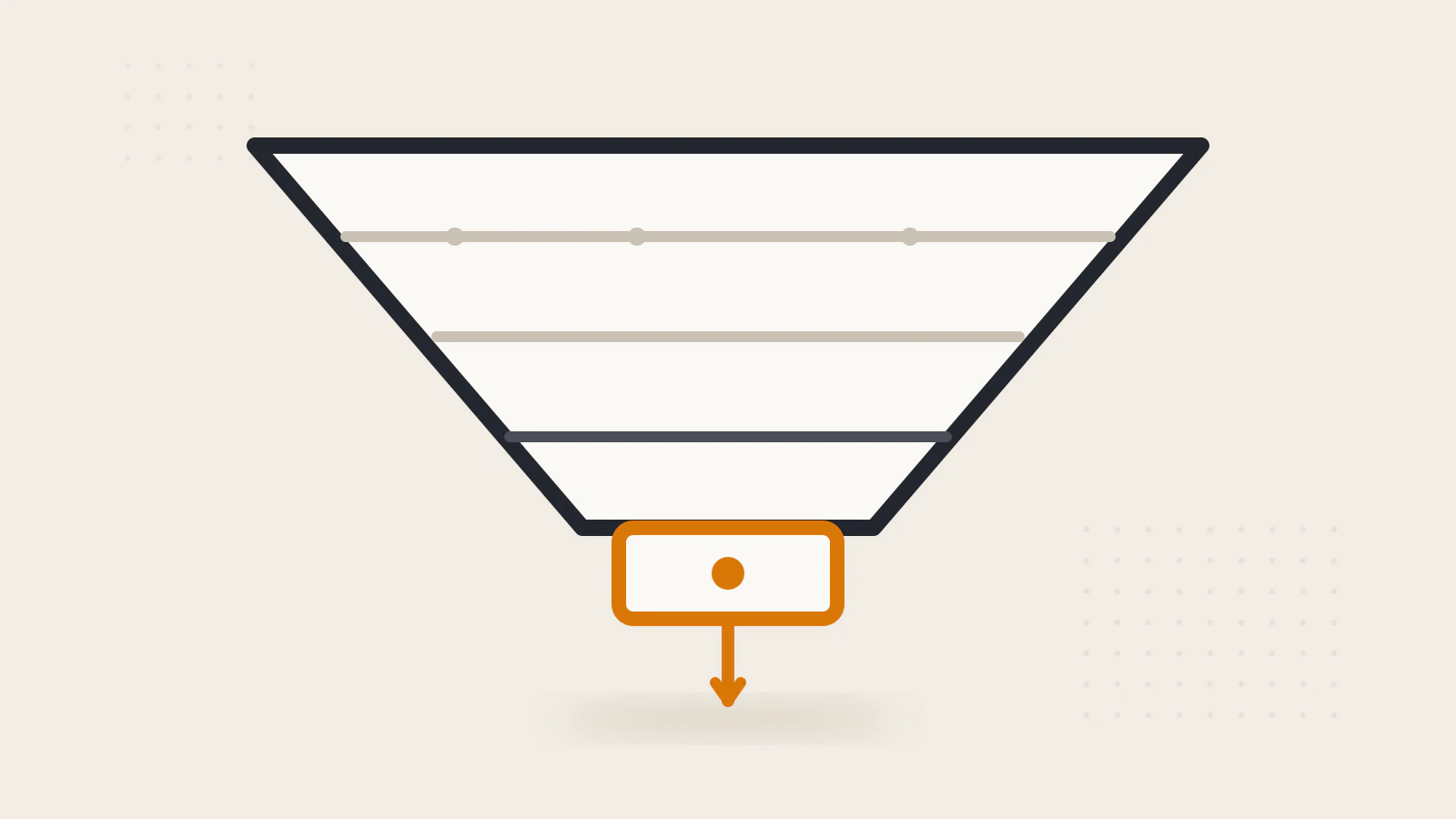
Connect an agent to five MCP servers and it can get worse at its job: 58 tool definitions arrive before anyone types a word, quietly consuming about 55,000 tokens. The model didn’t get dumber — the space it thinks in filled up. The fix Anthropic shipped is to treat the context window as a budget to be managed, not a container to be filled.
Source
Introducing advanced tool use on the Claude Developer Platform
By: Anthropic (Bin Wu)
Published: Nov 24 2025
Type: Engineering article
This one earns its place with numbers. It measures the failure every agent builder eventually hits — tool definitions and raw results eating the window before real work starts — and ships three beta features that attack it from different sides: find tools on demand, orchestrate them in code, and teach correct usage with examples.
Redesigning tool use around the context window
The intended future, as the post frames it, is agents that work across hundreds or thousands of tools: an IDE assistant juggling git, file operations, package managers, test frameworks, and deployment pipelines; an operations coordinator holding Slack, GitHub, Google Drive, Jira, databases, and dozens of MCP servers at once. Anthropic’s earlier writing on combining code execution with MCP had already measured the failure mode — tool definitions and results can consume 50,000+ tokens before the agent reads a request. From that, three needs fall out, and the post ships one beta feature per need.
The first bottleneck is definitions. A five-server setup makes the cost concrete: GitHub contributes 35 tools at roughly 26K tokens, Slack 11 at 21K, Sentry 5 at 3K, Grafana 5 at 3K, Splunk 2 at 2K. That’s 58 tools, about 55K tokens spent before the conversation starts, and Jira alone would add roughly 17K more. Internally, Anthropic says it has seen tool definitions consume 134K tokens before optimization. Tokens are only half the damage, though — the most common failures are choosing the wrong tool and botching parameters, which gets likelier as names converge (their example: notification-send-user vs notification-send-channel).
The Tool Search Tool makes discovery on-demand instead. All definitions still go to the API, but tools marked with defer_loading: true stay out of context; the search tool itself costs around 500 tokens, and a task loads only the three to five tools it actually needs. A search for “github” expands just the matching references — in their walkthrough, github.createPullRequest and github.listIssues — while the other fifty stay invisible. Stripped to its skeleton, the setup looks like this:
{
  "tools": [
    { "type": "tool_search_tool_regex_20251119", "name": "tool_search_tool_regex" },
    { "name": "github.createPullRequest", "defer_loading": true }
  ]
}
Everything not marked for immediate loading stays out of context until a search asks for it. The measured effect is large: initial consumption drops from roughly 77K tokens to about 8.7K — 85% less, with 95% of the window preserved — and selection accuracy on Anthropic’s MCP evaluations climbs too, with Opus 4 going from 49% to 74% and Opus 4.5 from 79.5% to 88.1%. Prompt caching survives because deferred tools never enter the initial prompt. Regex and BM25 search ship built-in, and custom strategies using embeddings are possible. The usage guidance is concrete: past about 10K tokens of definitions, ten tools, or multiple MCP servers, the search step pays for itself; below that, or when every tool is used in every session, just load everything.
The second bottleneck is intermediate results. Under natural-language tool calling, each invocation costs a full inference pass, and every result lands in context whether or not it matters — their example is a 10MB log analyzed for error patterns, arriving whole when only a frequency summary was needed. Programmatic Tool Calling moves the loop into code. Claude writes Python that runs in a sandboxed code-execution environment; the script invokes tools through the API, with each request carrying a caller field that routes results back to the sandbox instead of the model; and only the script’s final output re-enters context.
Their budget-compliance example is worth walking through. The task — which team members exceeded their Q3 travel budget — needs three tools: a team roster, expenses per person, and budget limits per level. Done the traditional way, that means 20 expense calls returning 2,000+ line items (50 KB+), all summed and compared by the model in natural language. Done as a script, one Python block fetches everything in parallel, builds a level-to-budget lookup, compares, and prints the two or three violators — about 1KB back into context.
The reported gains line up with that shape. Average token use on complex research tasks dropped from 43,588 to 27,297 (a 37% cut), internal knowledge retrieval improved from 25.6% to 28.5%, and GIA benchmarks from 46.5% to 51.2%. Claude for Excel already uses the pattern to work on spreadsheets with thousands of rows. The limits get equal billing: single-tool lookups and tasks where the model should reason over all the raw data don’t benefit.
The third bottleneck is invocation quality, and it’s the one feature that adds tokens instead of removing them. A JSON schema defines what’s structurally valid but not what’s intended — for a create_ticket tool, the schema can’t say whether due_date wants “Nov 6, 2024” or ISO 8601, what shape a reporter ID takes, when to populate nested contact details, or how escalation level relates to SLA hours. Tool Use Examples attach a few realistic sample calls to the definition, and three examples were enough to teach date formats, ID conventions, and parameter correlations: critical bugs get full contact details plus escalation, internal tasks get a title. Internal testing moved complex parameter handling from 72% to 90%. The spending rule is one to five examples, only where the schema stays ambiguous.
The closing best-practices section doubles as a diagnostic. Start with the biggest bottleneck — bloat points to search, intermediate results to programmatic calling, malformed calls to examples — then combine, since the three compose into find, execute, and invoke correctly. Small setup notes matter more than they look: names and descriptions now serve as search indexes, the three to five most-used tools should stay always-loaded, return formats should be documented so the model’s parsing code is right, and tools that parallelize and survive retries suit code orchestration best. Everything ships behind the advanced-tool-use-2025-11-20 beta header.
One credit line deserves notice: the inspirations named include outside work like LLMVM and Cloudflare’s Code Mode. Moving orchestration from natural language into code is an industry-wide shift, not one vendor’s invention.
My take
The quiet admission in this post is that natural language is a poor control-flow mechanism. Loops, sums, and joins were always things code did better; conventional tool calling made the model simulate them across inference passes, paying tokens and latency to narrate arithmetic. Once orchestration moves into a sandbox, something counterintuitive shows up in the numbers: the model gets more accurate because it sees less. The budget check ends with three names instead of 2,000 line items, and accuracy went up, not down. Everything the agent doesn’t need to reason about should be kept out of the place it reasons in — that’s the actual design principle, and the context window is just where it bites first. Two cautions, though. Every number here is Anthropic’s own internal testing on its own evaluations, so treat the direction as reliable and the magnitudes as unverified until rerun on your workload. And read the three features as a decomposition: discovery, execution, and invocation were always separate failure modes that everyone bundled under “tool use” and suffered for.
Where this is useful
- MCP-heavy agents whose definitions alone cross the 10K-token line — deferring them is close to free accuracy at that point.
- Log, spreadsheet, and cross-table workflows where only aggregates and summaries should reach the model.
- Internal or partner APIs with fussy conventions, where malformed calls dominate the error log.
- A small, fixed toolset — the search step and the sandbox add latency you won’t earn back.
Apply this: Check the reported input tokens on your agent’s first message. If definitions alone exceed ~10K, defer them; if parameter mistakes dominate your error log, write three realistic examples for the worst-offending tool before touching anything else.
What I want to remember
Remember: The context window is a budget. Search for tool definitions on demand, keep intermediate results inside code the model writes but never reads, and spend example tokens only where the schema stays silent.