Rust Modules, Packages, and Crates Explained
I break down Rust's module system — the package vs crate distinction, mod, pub, use, path visibility, and how to publish your first crate on crates.io.
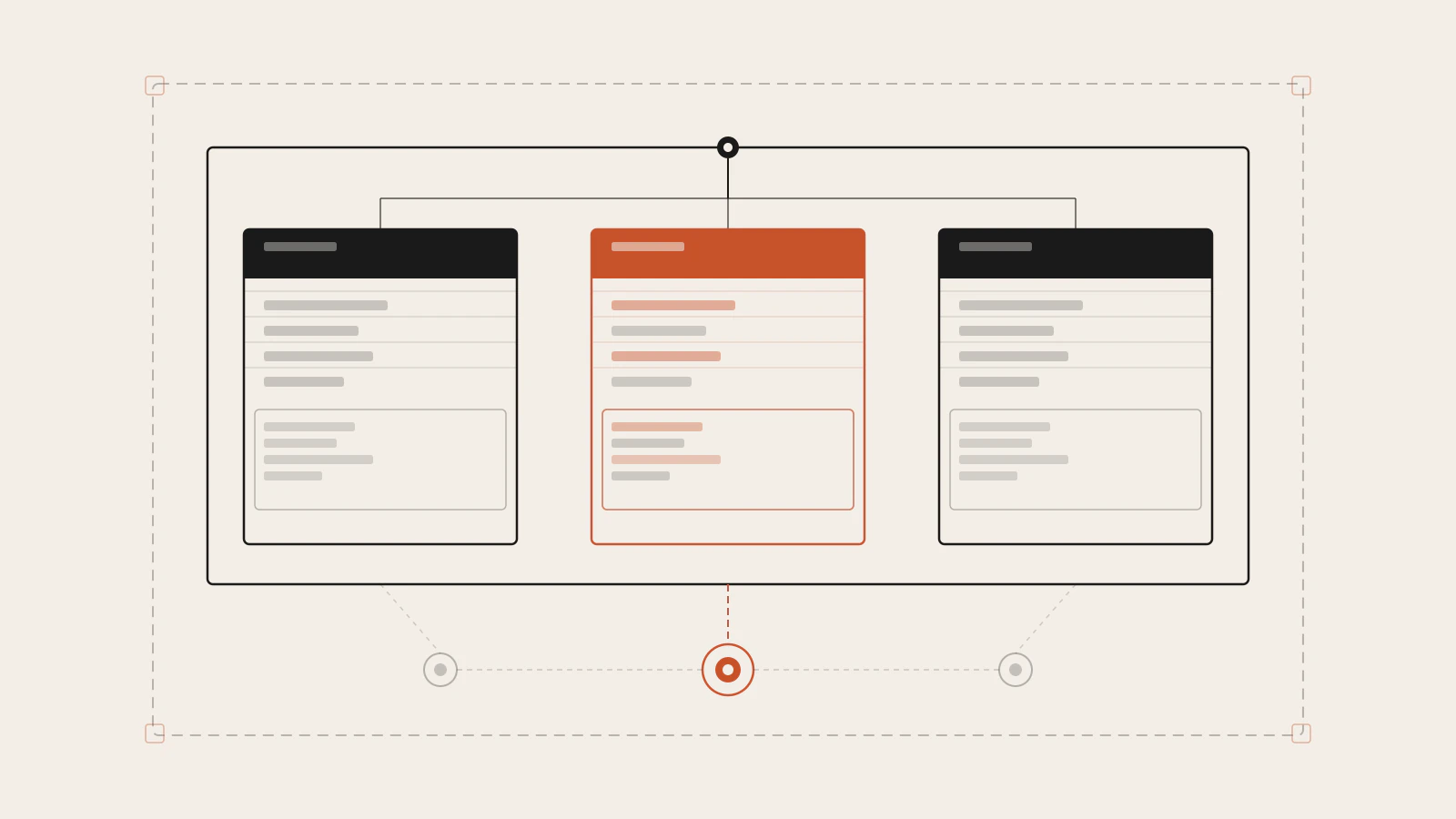
Rust has three terms that get used interchangeably in conversation but mean distinct things to the compiler: package, crate, and module. Mixing them up in casual speech is fine. But when the compiler rejects your import path and the error message mentions “use of unresolved item,” knowing exactly which layer the problem lives in is the fastest way out.
In Part 7 of this series I covered Cargo, the manifest format, and a first look at how modules connect to files. This post goes deeper: the full visibility model, restricted pub qualifiers, pub use as an API design tool, and the steps to publish a library on crates.io. By the end you’ll have the complete picture — from folder to public registry.
Series: Part 12 of 12 — Finale. Start with Part 1: Learning Rust as a TypeScript Developer · Previous: Building Your First CLI Application in Rust
On this page
- Three terms for three different things
- Binary crates vs library crates
- mod, pub, and the privacy default
- Visibility beyond pub
- use and pub use: paths and re-exports
- What trips people up
- Publishing to crates.io
- Where to go next
Three terms for three different things
A package is what cargo new creates: a directory with a Cargo.toml. It’s the organisational unit Cargo understands. A package can contain one or more crates, and Cargo.toml tells Cargo how to build all of them.
A crate is what the Rust compiler processes at a time. It’s a tree of modules — either a binary that compiles to an executable or a library that compiles to something other programs depend on. The file the compiler starts from when building a crate is the crate root: src/main.rs for a binary, src/lib.rs for a library.
A module is a namespace inside a crate. It groups related items (functions, structs, enums, traits, constants) and controls which of those items are reachable from outside. Modules can be inline — written directly inside a file with curly braces — or file-based, where the module body lives in a separate .rs file.
The quick mental model: a package is the box, a crate is the code inside that box, and modules are the folders within the code. One box, usually one or two crates, many folders.
[package]
name = "garden-app"
version = "0.1.0"
edition = "2024"
That’s a package. Cargo infers the crate from the files present — src/main.rs signals a binary crate, src/lib.rs signals a library crate.
Binary crates vs library crates
A binary crate has a main function and compiles to an executable you can run directly:
garden-app/
├── Cargo.toml
└── src/
    └── main.rs      ← binary crate root
A library crate has no main function. It defines functionality for other crates to depend on:
garden-lib/
├── Cargo.toml
└── src/
    └── lib.rs       ← library crate root
A package can contain both — one library crate and as many binary crates as you need. Additional binaries live under src/bin/:
garden-app/
├── Cargo.toml
└── src/
    ├── lib.rs          ← library crate (shared logic)
    ├── main.rs         ← default binary
    └── bin/
        └── harvest.rs  ← second binary
The two binaries can both use the library crate in the same package. This pattern is common for CLI tools: the executable handles argument parsing and output, the library holds the core logic, and anything else that wants to build on the same logic adds it as a dependency without pulling in the CLI layer.
When Rustaceans say “crate” in conversation — “check the serde crate,” “add the tokio dependency” — they almost always mean a library crate on crates.io.
mod, pub, and the privacy default
You declare a module with mod. When the compiler sees mod garden; in the crate root, it looks for the module’s code in three places, checked in this order:
- Inline —
mod garden { /* code directly here */ } - A file at
src/garden.rs - A file at
src/garden/mod.rs
The third form — mod.rs — is older and still valid, but the current idiom is to use a plain file named after the module (src/garden.rs) for top-level modules and a subdirectory (src/garden/) for modules that have their own submodules.
Here’s the rule that matters most: everything in a module is private by default. Private means visible only within the current module and its descendants. The parent module can’t see private items in a child, and sibling modules can’t see each other’s private items.
mod front_of_house {
    pub mod hosting {           // module marked pub — reachable from outside
        pub fn add_to_waitlist() {}   // function also marked pub — callable
        fn seat_at_table() {}         // private — not reachable from outside hosting
    }

    mod serving {               // private module — invisible outside front_of_house
        fn take_order() {}
    }
}

pub fn eat_at_restaurant() {
    // absolute path from the crate root
    crate::front_of_house::hosting::add_to_waitlist();

    // relative path using the module name directly
    front_of_house::hosting::add_to_waitlist();
}
Paths come in two forms. Absolute paths start with crate:: and walk from the crate root. Relative paths start from the current module — you can use self:: (the current module), super:: (the parent module, the same way ../ goes up a directory), or just the module name when it’s a sibling or child.
The most common mistake here: pub mod hosting makes the module reachable, but it does not make hosting’s items public. You still need pub on each function, struct, or enum you want external code to reach.
Check this before moving on
- You can name the three places the compiler looks when it sees
mod garden; - You understand why
pub mod hostingdoes not automatically makeadd_to_waitlistvisible outside the crate - You can write both a
crate::path and asuper::path for the same item and know when each applies
Visibility beyond pub
Plain pub means “visible to anyone who can reach this module.” That’s exactly what you want for a public library API, but sometimes you need finer control inside a crate.
Rust has three restricted visibility forms:
| Syntax | Visible to |
|---|---|
pub |
Everyone who can access the module |
pub(crate) |
Only within this crate |
pub(super) |
Only the parent module |
pub(in crate::some::path) |
Only within the named path |
pub(crate) is the one you’ll reach for most. It’s right for helpers that multiple modules in your crate need to share, but that you don’t want to expose as part of the public API:
// src/utils.rs
pub(crate) fn normalise_input(s: &str) -> String {
    s.trim().to_lowercase()
}
Any module in the same crate can call normalise_input. Anyone who adds your crate as a dependency can’t even see it exists. Without pub(crate), you’d be forced into a binary choice: expose it publicly (and make it part of your API contract) or restrict it to exactly one module. The restricted forms give you everything in between.
pub(super) is useful for submodule internals that the parent needs to coordinate — you can share them upward one level without making them visible to the whole crate.
use and pub use: paths and re-exports
use creates a shortcut so you don’t have to write long paths repeatedly. Rust’s idiomatic convention:
- For functions,
usethe parent module and callmodule::function(). This makes it clear at the call site that the function comes from somewhere else. - For types (structs, enums),
usethe full path to the type directly.
use std::collections::HashMap; // type — bring the type itself into scope
use std::io;                    // module — call io::Error, io::Result at the site

fn main() {
    let mut scores: HashMap<String, u32> = HashMap::new();
    let result: io::Result<()> = Ok(());
}
pub use re-exports an item at a different path. This is how library crates build a clean public API without exposing their internal structure.
Say your library organises types internally like this:
// src/lib.rs
pub mod kinds {
    pub enum PrimaryColor { Red, Yellow, Blue }
    pub enum SecondaryColor { Orange, Green, Purple }
}

pub mod utils {
    use crate::kinds::PrimaryColor;
    pub fn mix(c1: PrimaryColor, c2: PrimaryColor) -> super::kinds::SecondaryColor {
        // implementation
        super::kinds::SecondaryColor::Orange
    }
}
External code has to write art::kinds::PrimaryColor to use that type — it has to know about the internal kinds module. Add pub use at the top level and you lift those types to the crate’s root namespace:
// src/lib.rs
pub use self::kinds::PrimaryColor;
pub use self::kinds::SecondaryColor;
pub use self::utils::mix;

pub mod kinds { /* ... */ }
pub mod utils { /* ... */ }
Now external code writes art::PrimaryColor — a cleaner import that doesn’t expose how you organised things internally. The internal structure stays exactly the same; only the public interface changes. cargo doc lists re-exported items on the crate’s front page, which makes them easier to discover.
What trips people up
mod is not use. mod declares a module and pulls its code into the compilation. use creates a shortcut to something that’s already in the module tree. If you write use garden::Asparagus without a mod garden; somewhere above, the compiler doesn’t know what garden refers to — you’ll get an unresolved path error.
pub mod doesn’t make the contents public. Making a module public creates a reachable path to the module itself. The items inside keep their own visibility. A pub mod containing an unmarked struct leaves that struct private. You need pub on both the module and the items you want to expose.
Struct fields and struct visibility are separate. A pub struct with unmarked fields means external code can see the type but cannot read or write its fields directly. This is intentional — it’s how you enforce invariants. You provide constructors and accessor methods, and the struct’s internal data stays under your control. If you’ve worked through the ownership post in this series, you’ll recognise this as another place the compiler enforces discipline that garbage-collected languages leave to convention.
crate:: vs super::. crate:: always starts from the crate root. super:: goes up exactly one level in the module tree. If you’re three modules deep and try to use crate::SomeType that was never re-exported at the root, you’ll get a private-item error even if the same item is reachable with the right super:: chain.
Publishing to crates.io
crates.io is Rust’s public package registry. Every dependency you’ve added in [dependencies] throughout this series came from there.
Publishing your own library requires three things.
First, add the required metadata to Cargo.toml:
[package]
name = "my-library"
version = "0.1.0"
edition = "2024"
description = "A short description for the registry listing."
license = "MIT OR Apache-2.0"
name must be unique across crates.io — it’s allocated first-come, first-served. description and license are required; cargo will reject the upload without them. The MIT OR Apache-2.0 dual licence is the most common pattern in the Rust ecosystem, matching how Rust itself is licensed.
Second, log in with your crates.io API token:
cargo loginCargo prompts for your token, which you retrieve from your account settings at https://crates.io/me/. It’s stored in ~/.cargo/credentials.toml locally. Don’t commit it.
Third, publish:
cargo publishCargo packages your source code, runs a verification build, and uploads the result. One important constraint: published versions are permanent. You can’t delete a published version; you can only yank it, which flags it as broken without removing it from existing lock files. This is deliberate — crates.io is a permanent archive, and builds that depended on your code before the yank continue working.
Semver is required and matters. Cargo uses the version to determine compatibility. A breaking change to your public API needs a major version bump; failing to bump it breaks downstream code silently for anyone who updates.
Where to go next
Twelve posts. We started with why TypeScript developers find Rust unfamiliar, worked through the ownership and borrowing model, pattern matching, generics and traits, error handling without exceptions, and now the module system that ties it all into a publishable library. That’s a solid foundation.
The topics left off this series fall into a few natural next steps.
Lifetimes are the concept most people avoid longest because the compiler handles them automatically in the common case. They become unavoidable when you write functions that return references or define structs that hold references. Chapter 10 of the Rust Book is the clearest treatment I’ve seen.
Async Rust with Tokio is where production web services and network applications live. The async/await syntax will look familiar if you came from TypeScript, but the underlying model — futures, polling, the runtime executor — has its own rules that aren’t obvious from the syntax. Start with the Tokio tutorial once you’re comfortable with lifetimes.
Smart pointers — Box<T>, Rc<T>, Arc<T>, RefCell<T> — are the tools Rust gives you when the standard ownership rules need to be worked around. You’ll encounter them constantly in real codebases: Box<dyn Error> for dynamic dispatch, Arc<Mutex<T>> for shared state across threads.
Closures and iterators are in Chapter 13 of the Rust Book. If you came from TypeScript, the map, filter, and collect chains will feel natural. The difference is that Rust’s iterator combinators compile to the same machine code as a hand-written loop — there’s no runtime overhead for the abstraction.
The Rust ecosystem has reached a point where you can build production software without re-implementing foundational pieces. The module system you’ve learned here is what lets you pick up any crate, understand where things live, navigate the documentation, and structure your own code in a way others can follow.
Sources
- Packages and Crates — The Rust Programming Language, ch. 7.1
- Control Scope and Privacy with Modules — The Rust Programming Language, ch. 7.2
- Bringing Paths Into Scope with the use Keyword — The Rust Programming Language, ch. 7.4
- Exporting a Convenient Public API with pub use — The Rust Programming Language, ch. 14.2
- Publishing a Crate to Crates.io — The Rust Programming Language, ch. 14.2