PostgreSQL for Developers: Tables, Keys, and Relationships
I walk through PostgreSQL tables, data types, primary and foreign keys, one-to-many and many-to-many relationships, and basic CRUD for JavaScript developers building their first schema.
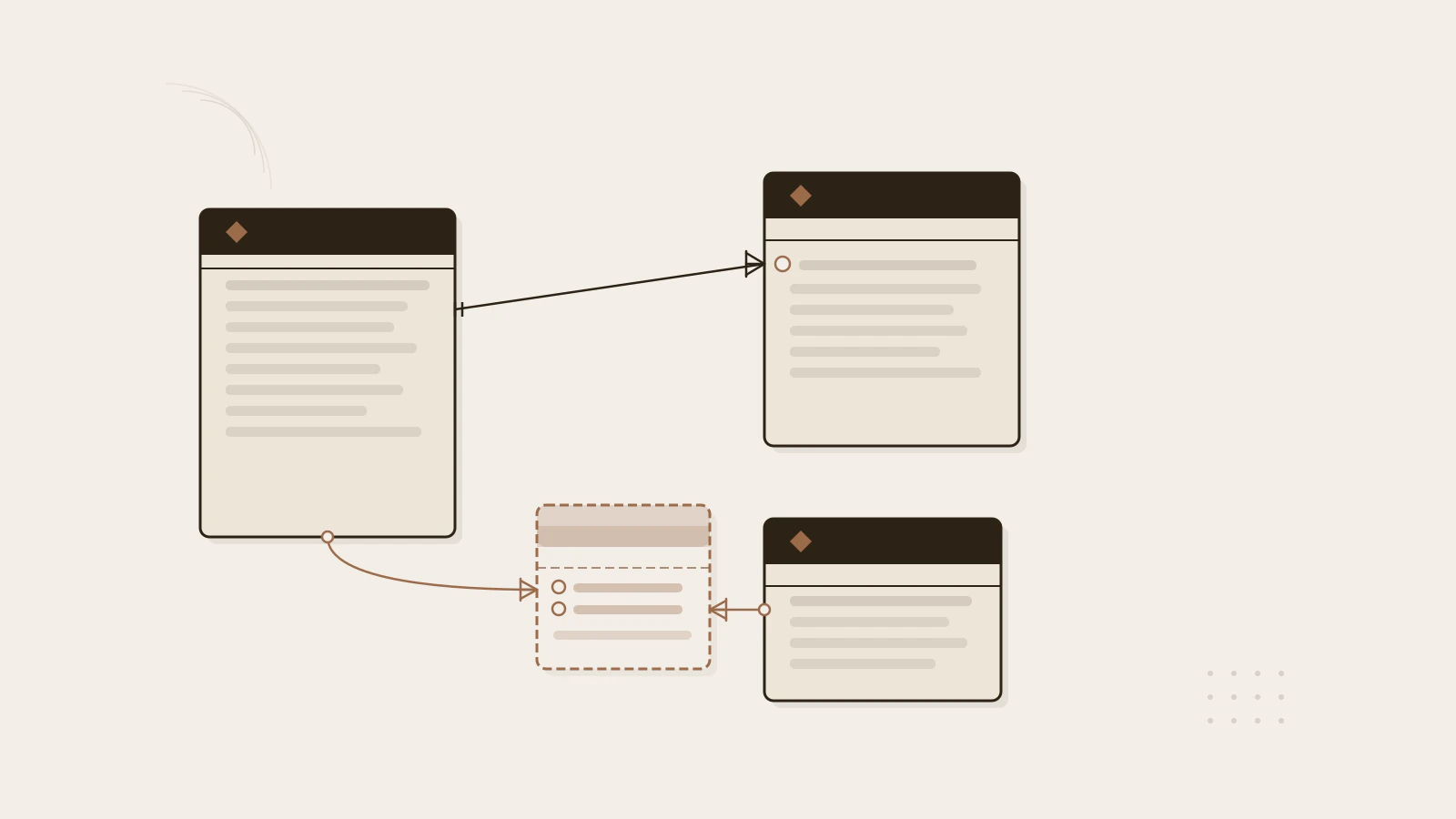
A JavaScript developer reaches for an object when they need to store data. The object can hold any shape — a string here, a number there, a nested array if needed. PostgreSQL works differently. When you define a table, you declare what each column holds, and the database enforces that on every write.
That strictness feels like friction the first time. Coming from JavaScript, where a variable can hold anything and its type can change at runtime, the database’s insistence on types feels like an obstacle. But the constraint isn’t overhead — it’s what makes the data trustworthy. Once that clicks, the whole model starts to make sense.
I’m going to walk through the building blocks: tables, data types, primary keys, foreign keys, and the two relationship patterns you’ll reach for on almost every project.
Series: Part 1 of 4.
On this page
- Tables and columns: rows with strict structure
- Primary keys: the row’s unique address
- Foreign keys and what they actually enforce
- One-to-many and many-to-many relationships
- The four SQL operations every developer recognizes
- Where new developers get tripped up
- Constraints are the feature
Tables and columns: rows with strict structure
A table is an array of objects where every object must have the same keys and every key’s value must match a declared type. That mental model is close enough to get started.
Here’s a users table:
CREATE TABLE users (
  id         SERIAL PRIMARY KEY,
  email      TEXT NOT NULL,
  username   TEXT NOT NULL,
  created_at TIMESTAMPTZ DEFAULT NOW()
);
Each line declares a column: name, type, optional constraints. The types you’ll use most often:
| Type | Closest JavaScript equivalent | Notes |
|---|---|---|
INTEGER |
number (whole) |
4-byte signed integer, up to ~2.1 billion |
BIGINT |
number (large) |
8-byte integer, for very large counts |
TEXT |
string |
Variable-length, no length cap to configure |
NUMERIC(p, s) |
number (precise) |
Exact decimal — use this for money, not FLOAT |
BOOLEAN |
boolean |
true / false / NULL |
TIMESTAMPTZ |
Date with time zone |
Stores UTC internally, converts on output |
UUID |
string (36 chars) | Globally unique identifier |
One thing to get right early: use TIMESTAMPTZ (timestamp with time zone), not plain TIMESTAMP. The TIMESTAMPTZ type stores everything in UTC and converts to the session time zone on output. A plain TIMESTAMP has no time zone awareness at all. PostgreSQL’s documentation on date/time types explains this distinction in detail, and once you have data from users in different time zones, it matters a lot.
The type discipline here is similar to what you’d find in a statically typed language — if you’ve worked with TypeScript’s type system, the idea of declaring a column’s type upfront should feel familiar. The difference is that PostgreSQL enforces it at the data layer, not just the code layer.
Primary keys: the row’s unique address
Every table needs a way to identify a single row unambiguously. That’s the primary key’s job. Marking a column PRIMARY KEY does three things automatically: it requires the value to be unique across all rows, it prevents NULL, and it creates a B-tree index on that column so lookups are fast.
The simplest approach is SERIAL, a PostgreSQL shorthand for an auto-incrementing integer:
CREATE TABLE posts (
  id      SERIAL PRIMARY KEY,
  title   TEXT NOT NULL,
  body    TEXT,
  user_id INTEGER
);
Every new row gets the next integer from a sequence. You never supply id manually on insert — the database fills it in.
SERIAL is a convenience shorthand. Under the hood, it creates a sequence and sets it as the column’s default value. The SQL standard also defines GENERATED ALWAYS AS IDENTITY, which is more portable, but SERIAL is what you’ll encounter in most existing PostgreSQL codebases.
Some teams prefer UUID as the primary key, especially when records need IDs before they’re saved to the database (across multiple services, for example). The trade-off: UUID values are larger than integers and index lookups are a bit slower. For most projects starting out, SERIAL is the right choice.
Check this before moving on
- Every table in your schema has a primary key column
- You understand that
SERIALauto-increments — you don’t supply that value on insert - You know that
PRIMARY KEYautomatically creates an index and enforcesNOT NULL
Foreign keys and what they actually enforce
A foreign key creates a constraint between two tables: the value in one column must match a value that already exists in another table’s primary key. The database checks this on every write.
CREATE TABLE posts (
  id      SERIAL PRIMARY KEY,
  title   TEXT NOT NULL,
  body    TEXT,
  user_id INTEGER REFERENCES users(id)
);
The REFERENCES users(id) clause says: before accepting a row into posts, verify that user_id exists in users.id. If it doesn’t, the insert is rejected.
Without this constraint, you can end up with posts rows that reference users who were deleted — orphaned records that silently break queries. The foreign key makes that state impossible.
You also control what happens when a referenced row is deleted:
user_id INTEGER REFERENCES users(id) ON DELETE CASCADEON DELETE CASCADE— delete child rows automatically when the parent is deletedON DELETE RESTRICT— block the parent deletion if any child rows existON DELETE SET NULL— set the foreign key column toNULLwhen the parent is deletedON DELETE NO ACTION— the default; the deletion proceeds but the constraint must still be satisfied by end of transaction
CASCADE is convenient but use it deliberately. A deep chain of cascades can silently delete far more rows than intended. For most application relationships, RESTRICT makes the deletion explicit and intentional.
One-to-many and many-to-many relationships
Two patterns cover most of what you’ll model early on.
One-to-many is what the users → posts example above already shows. One user can have many posts. The foreign key lives on the “many” side (posts), pointing back to the “one” side (users). To query across both tables, use JOIN:
SELECT posts.title, users.username
FROM posts
JOIN users ON posts.user_id = users.id
WHERE users.id = 42;
Many-to-many requires a junction table — a third table that holds pairs of IDs. Say you want users to have tags, and a single tag to belong to multiple users:
CREATE TABLE tags (
  id   SERIAL PRIMARY KEY,
  name TEXT NOT NULL UNIQUE
);

CREATE TABLE user_tags (
  user_id INTEGER REFERENCES users(id) ON DELETE CASCADE,
  tag_id  INTEGER REFERENCES tags(id)  ON DELETE CASCADE,
  PRIMARY KEY (user_id, tag_id)
);
user_tags is the junction table. It has no id of its own — the primary key is the combination of both foreign keys. That composite primary key prevents duplicate pairs. To find all tags for a user:
SELECT tags.name
FROM tags
JOIN user_tags ON tags.id = user_tags.tag_id
WHERE user_tags.user_id = 42;
The junction table is the part that surprises JavaScript developers most. In a JS object you’d put an array of tag IDs on the user. In SQL, that array becomes its own table, and the database enforces that every ID in it is valid. The trade-off is worth it: you can query from either direction efficiently, and you can add columns to the relationship (like assigned_at) without touching the original tables.
The four SQL operations every developer recognizes
PostgreSQL’s four basic data operations map directly to what you’d do with an array in JavaScript:
INSERT — add a row:
INSERT INTO users (email, username)
VALUES ('alex@example.com', 'alex');
SELECT — read rows:
SELECT id, email FROM users WHERE username = 'alex';UPDATE — modify a row:
UPDATE users
SET email = 'alex@newdomain.com'
WHERE id = 1;
DELETE — remove a row:
DELETE FROM users WHERE id = 1;Try this
- Create the
userstable from the first example in a local PostgreSQL database.- Insert two rows with different usernames.
- Run
SELECT * FROM users;and confirm both rows appear.Expected result: You’ll see two rows with auto-incremented
idvalues, the emails and usernames you provided, and acreated_attimestamp filled in automatically by theDEFAULT NOW()clause — you didn’t supply that value, PostgreSQL did.
If you’re building a backend API to serve this data, my guide to building a REST API with Node.js and Express shows how to connect these SQL operations to HTTP endpoints.
Where new developers get tripped up
UPDATE or DELETE without a WHERE clause. This is the most common early mistake:
UPDATE users SET email = 'changed@example.com';That updates every row in the table. PostgreSQL doesn’t warn you or ask for confirmation — it executes exactly what you wrote. Always write the WHERE clause before writing the SET clause, so you think about which rows you’re targeting before you write the change.
Inserting a foreign key value that doesn’t exist:
INSERT INTO posts (title, user_id) VALUES ('First Post', 999);
-- ERROR: insert or update on table "posts" violates foreign key constraint
-- DETAIL: Key (user_id)=(999) is not present in table "users".
This error is the foreign key doing its job. It’s frustrating the first time, but it’s exactly the guarantee you wanted: the database is telling you that user 999 doesn’t exist before you create a post for them. Fix it by inserting the user first.
Serial gaps after failed inserts
When an insert fails (constraint violation, rollback, any error), the sequence for a SERIAL column still advances. You might see IDs like 1, 2, 5, 6 instead of 1, 2, 3, 4. This is expected. IDs are unique identifiers, not counts. Gaps don’t mean anything is missing.
Constraints are the feature
The rules PostgreSQL enforces — types, NOT NULL, UNIQUE, foreign keys — aren’t a bureaucratic layer on top of a storage engine. They’re what makes the data trustworthy.
In JavaScript, an object can hold anything: a number where you expected a string, a missing field, a reference to a record that was deleted last week. The runtime won’t stop you. PostgreSQL will.
Start with what’s in this post: a users table with a serial primary key, a posts table with a foreign key back to users, and a junction table for any many-to-many relationship you need. Declare the types precisely. Add NOT NULL where a missing value would break your application. Let the database enforce the invariants you care about instead of checking them in application code.
The next part of this series covers querying across multiple tables with JOIN, filtering and sorting results, and understanding how indexes affect query performance.
Sources
- 5.1 Table Basics — PostgreSQL 18 Documentation
- 5.5 Constraints — PostgreSQL 18 Documentation
- 8.1 Numeric Types — PostgreSQL 18 Documentation
- 8.5 Date/Time Types — PostgreSQL 18 Documentation
- Chapter 6: Data Manipulation — PostgreSQL 18 Documentation
- Chapter 8: Data Types — PostgreSQL 18 Documentation