Understanding Cargo and Rust Project Structure
I walk through Cargo.toml's key sections, how Rust's module system works with mod, use, and pub, how workspaces compare to monorepos, and the cargo commands you'll run every day — from a TypeScript developer's perspective.
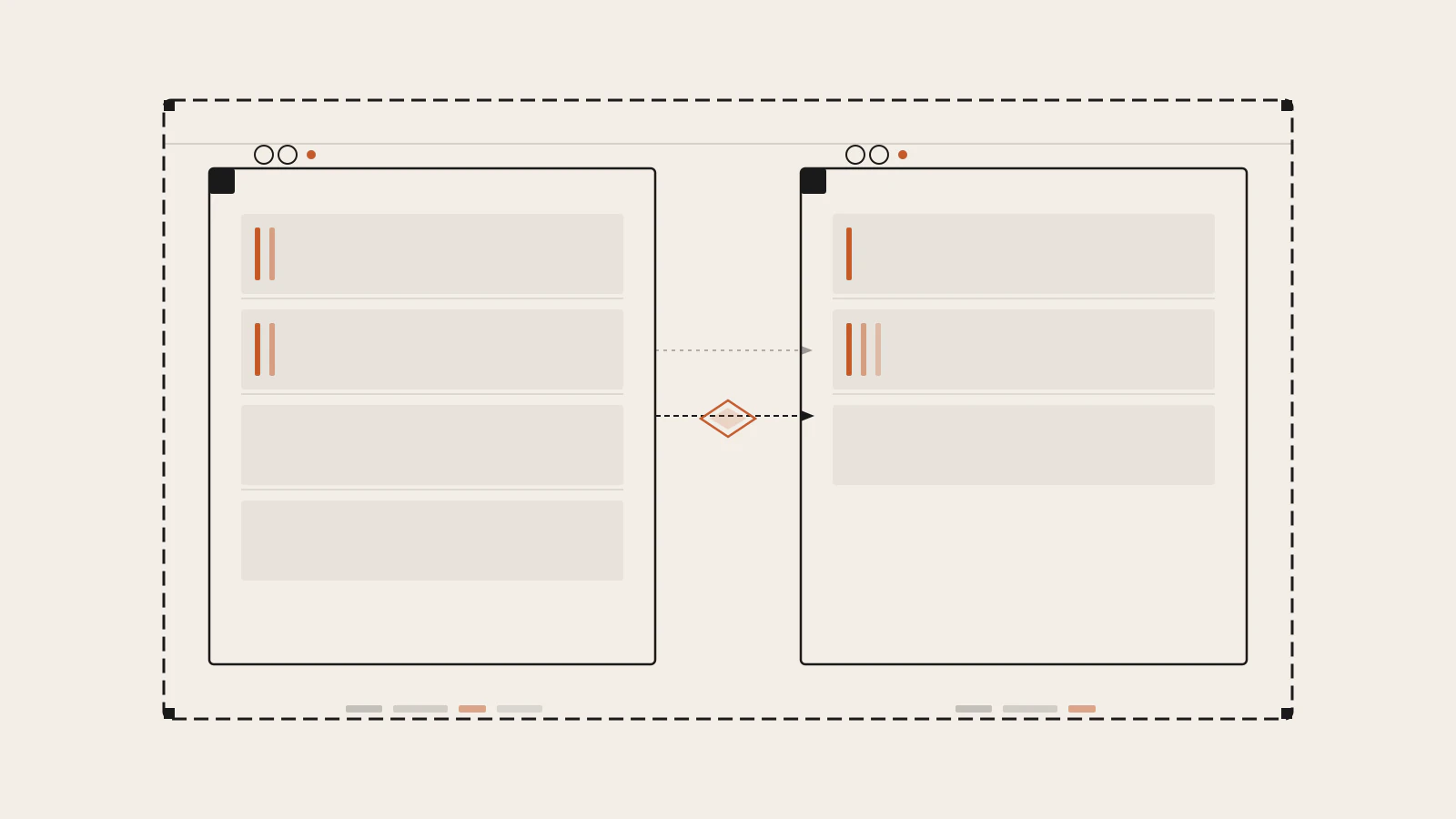
The first time I opened Cargo.toml and actually read it, I thought: this is basically package.json. The name field, the version, the [dependencies] table — everything mapped onto what I already knew. Then I hit [features]. Then the workspace configuration spanning multiple directories with its own inheritance model. Then I ran cargo clippy and got a lint suggestion I hadn’t seen in any JavaScript tool.
Cargo is not just a package manager with a different config file. It’s the build tool, the dependency resolver, the test runner, the formatter, the linter, and the documentation generator — one binary, maintained by the same team that ships the language itself. If you’re coming from TypeScript, where you assemble five tools from different sources to get a similar toolkit, this consolidation is one of the first things you’ll notice and appreciate.
This post is a walk through what’s inside Cargo and how Rust organises code: the manifest format, the module system, workspaces, and the handful of commands you’ll use constantly.
Series: Part 7 of 12. Start with Part 1: Learning Rust as a TypeScript Developer · Previous: Ownership and Borrowing in Rust Explained Simply
On this page
- Cargo.toml vs package.json: what’s the same and what isn’t
- Packages, crates, and where the compiler looks first
- The module system: what mod, pub, and use actually do
- The full Cargo.toml: features and dependency categories
- Workspaces: Rust’s answer to monorepos
- The cargo commands you’ll run every day
- Finding and evaluating crates on crates.io
- Where the mental model shifts for TypeScript developers
Cargo.toml vs package.json: what’s the same and what isn’t
The comparison is useful but imperfect. Both files identify a project, declare its external dependencies, and define version constraints. A few fields map directly: name, version, and description mean the same thing in both.
The edition field has no equivalent in package.json:
[package]
name = "my-app"
version = "0.1.0"
edition = "2024"
edition tells the compiler which version of the Rust language to use. Editions are backwards-compatible — a crate on edition 2015 and a crate on edition 2024 can depend on each other — but each edition may unlock new syntax or change default behavior. cargo new sets this automatically to the latest stable edition, which is "2024" as of this writing.
The other thing package.json doesn’t have: a formal separation of dependency categories. In JavaScript you have dependencies and devDependencies. In Rust, Cargo.toml has [dependencies], [dev-dependencies], [build-dependencies], and optionally platform-specific dependency tables. Each serves a distinct role, and Cargo enforces them — [dev-dependencies] genuinely cannot leak into a release binary.
Packages, crates, and where the compiler looks first
When you run cargo new my-app, you get this layout:
my-app/
├── Cargo.toml
└── src/
    └── main.rs
src/main.rs is the binary crate root. It’s the first file the compiler reads for an executable. If you add src/lib.rs, you have a library crate root too. The same package can have both.
The distinction matters when other packages want to depend on yours. Only a library crate (lib.rs) can be a dependency. A binary crate (main.rs) is an executable — it cannot be imported. If you want code that is both runnable and reusable, put the logic in lib.rs and call it from main.rs.
A package is the unit Cargo manages: it has a Cargo.toml, a version, and one or more crates inside it. A crate is the compilation unit the compiler actually processes. This isn’t a distinction TypeScript has — a TypeScript project is just a project. Rust separates the project management layer (package) from the compilation layer (crate).
The module system: what mod, pub, and use actually do
If you come from TypeScript, you organize code by putting things in files and exporting them with export. Rust’s approach works differently, and understanding the rules makes it much less frustrating.
Everything is private by default. A function, struct, enum, or module is invisible outside its containing module unless you mark it pub. The mod keyword declares a module. Writing mod inventory; in your crate root tells the compiler to look for that module’s code in either src/inventory.rs or src/inventory/mod.rs.
// src/main.rs
pub mod inventory;
use inventory::Item;

fn main() {
    let i = Item::new("wrench");
    println!("{}", i.name);
}
// src/inventory.rs
pub struct Item {
pub name: String,
}
impl Item {
pub fn new(label: &str) -> Self {
Item {
name: label.to_string(),
}
}
}The path to a public item is always crate::module::item. The use statement creates a shortcut so you don’t repeat the full path every time.
One thing that surprised me when I came from TypeScript: the file isn’t the module. In TypeScript, the file boundary defines the module. In Rust, the module is declared in code with mod, and the file is just where the module’s contents live. You can define an entire module inline inside curly braces without a separate file. The module tree is a logical structure that happens to map to the file system — not the other way around.
The Rust Book describes this as the compiler starting from the crate root, following each mod declaration to find the corresponding file or inline block, and building the module tree from there. Once you see it as a two-step process — declare the module, then the compiler finds the code — the behavior is predictable.
Check this before moving on
- You understand why
pub modis different frommod - You know that
usecreates a shortcut but does not control visibility - You can explain why
src/lib.rsandsrc/main.rsserve different roles
The full Cargo.toml: features and dependency categories
[dependencies] covers runtime dependencies — the things your code needs to function:
[dependencies]
serde = { version = "1.0", features = ["derive"] }
tokio = { version = "1", features = ["full"] }
Notice the features key inside the dependency declaration. This is where Rust’s conditional compilation model starts. The serde crate has many features; you pull in only what you need, and the compiler includes only that code.
[dev-dependencies] are compiled for tests and benchmarks, not included in the final binary. This is the equivalent of npm’s devDependencies, but with a hard guarantee — Cargo enforces it at compile time, not just convention:
[dev-dependencies]
insta = "1"
[features] is the part of Cargo.toml that has no direct equivalent in package.json. Features are named flags that conditionally enable code or optional dependencies:
[features]
default = ["json"]
json  = ["dep:serde_json"]
csv   = ["dep:csv"]

[dependencies]
serde_json = { version = "1", optional = true }
csv        = { version = "1", optional = true }
A crate that depends on yours can choose which features to enable:
[dependencies]
my-lib = { version = "1", features = ["csv"] }
The Cargo Book states that features should be additive — enabling a feature should not disable something else. If two features are mutually exclusive, you need to add a compile error that catches that combination:
#[cfg(all(feature = "foo", feature = "bar"))]
compile_error!("features \"foo\" and \"bar\" cannot both be enabled");
That’s a pattern with no equivalent in npm. It’s unusual the first time you see it, but it solves a real problem when crates have incompatible configurations.
Workspaces: Rust’s answer to monorepos
If you work with a JavaScript monorepo, you already know the idea: one repository, multiple packages, a shared dependency graph. Cargo workspaces work on the same principle but with a stricter model.
A workspace root Cargo.toml uses a virtual manifest — it has a [workspace] section but no [package] section:
# Cargo.toml (workspace root)
[workspace]
members  = ["app", "core", "utils"]
resolver = "2"

[workspace.dependencies]
serde = { version = "1", features = ["derive"] }
tokio = { version = "1", features = ["full"] }
Each member package has its own Cargo.toml, but they all share one Cargo.lock file and one target/ build directory. That shared lock file is what makes reproducible builds across a workspace reliable — every crate resolves against the same dependency graph.
Members can inherit from workspace.dependencies, which keeps versions synchronized without repeating them in each package:
# app/Cargo.toml
[package]
name    = "app"
version = "0.1.0"
edition = "2024"

[dependencies]
serde  = { workspace = true }
core   = { path = "../core" }
This inheritance model was stabilized in Rust 1.64. If you’re reading a crate that uses version.workspace = true or authors.workspace = true, it’s pulling those values from the root manifest. It’s the Rust equivalent of the workspaces field in package.json for Bun or npm, but with explicit opt-in per field rather than automatic hoisting.
The cargo commands you’ll run every day
| Command | What it does | Closest TypeScript equivalent |
|---|---|---|
cargo build |
Compile the current package | tsc |
cargo build --release |
Compile with full optimizations | tsc + bundler |
cargo run |
Build and execute the binary | bun run src/main.ts |
cargo test |
Run all tests | bun test / jest |
cargo check |
Type-check without producing output | tsc --noEmit |
cargo clippy |
Run the linter | eslint |
cargo fmt |
Format all source files | prettier --write . |
cargo doc --open |
Generate and open API docs | No direct equivalent |
cargo add serde |
Add a dependency to Cargo.toml | bun add serde |
cargo tree |
Show the dependency graph | bun pm ls |
cargo check is the command I reach for most during active development. It runs the type checker and the borrow checker without producing a compiled binary, which makes it significantly faster than cargo build. You still get every error that would stop a real build — you just skip the code generation step. For a fast feedback loop, cargo check is the right tool.
cargo clippy deserves extra attention. It’s not just a style linter. Clippy catches logic bugs, unnecessary memory allocations, patterns that compile correctly but run slower than alternatives, and idioms that are technically valid but considered poor practice. Running it before pushing code is a habit worth building from the start — later in the series, when we get into error handling and iterators, Clippy’s suggestions become genuinely instructive.
Finding and evaluating crates on crates.io
crates.io is the central registry for Rust packages. Every dependency you declare in [dependencies] is downloaded from there unless you specify a path or a git source.
Before adding a crate, I look at a few signals. The crate’s page shows recent downloads, which gives a better sense of current adoption than the total downloads counter (heavily skewed by old popular crates). docs.rs automatically generates API documentation for every published crate from the source code comments, so you can read the full API before deciding whether to depend on it.
Two other things I check: the date of the most recent release, and whether the crate is marked no_std compatible. no_std compatibility matters if you ever plan to compile your code to WebAssembly or to embedded targets — a crate that requires the standard library won’t work in those environments.
Where the mental model shifts for TypeScript developers
The shift that took me the longest to internalise: Cargo has a much deeper understanding of your code than npm or Bun does.
When you install a JavaScript package, the registry gives you pre-built JavaScript. Your bundler might tree-shake some of it. Type definitions usually ship separately in @types/. The runtime and the package manager are different programs.
In Rust, Cargo compiles every dependency from source on your machine. The [features] you select determine which of each dependency’s code is even compiled. The edition of each crate in the graph may differ. The target architecture determines which code paths are active. A cargo build is genuinely building everything — that’s why the first build takes longer and why optimized builds with --release produce binaries that are measurably smaller and faster than debug builds.
The Cargo.lock file is another meaningful difference. For executable applications, the Cargo Book recommends committing Cargo.lock to version control — the same advice you’ve probably followed with package-lock.json or bun.lockb. But for library crates that will be used as dependencies, committing Cargo.lock is explicitly not recommended. The reasoning is that a library’s lock file would constrain the version resolution of every downstream user. That’s a distinction the JavaScript ecosystem doesn’t make as clearly, and it explains why you’ll see some Rust repos commit their lock file and others don’t.
By the time you understand packages, crates, modules, workspaces, and the dependency tables, you have the mental model that makes the rest of the language easier to navigate. The type system and the borrow checker from the previous parts of this series operate on code inside crates. Cargo is the layer that connects those crates to each other and to the outside world.
Sources
- The Cargo Book — Manifest Format — cargo reference documentation
- The Cargo Book — Workspaces — cargo reference documentation
- The Cargo Book — Features — cargo reference documentation
- The Rust Programming Language — Packages, Crates, and Modules — official Rust book
- The Cargo Book — cargo-build(1) — cargo reference documentation